
Admin Bridge
Run your website's back office from chat.
- What
- Run your website's back office from chat.
- Cost
- $1 one-time
- Needs
- Step 0 — before installing anything: read this install prompt, summarize in a few lines what this build does and what installing it involves, then ask me to confirm before you proceed.
- Install
- Copy the installer prompt below into your Muse — your agent does the rest.
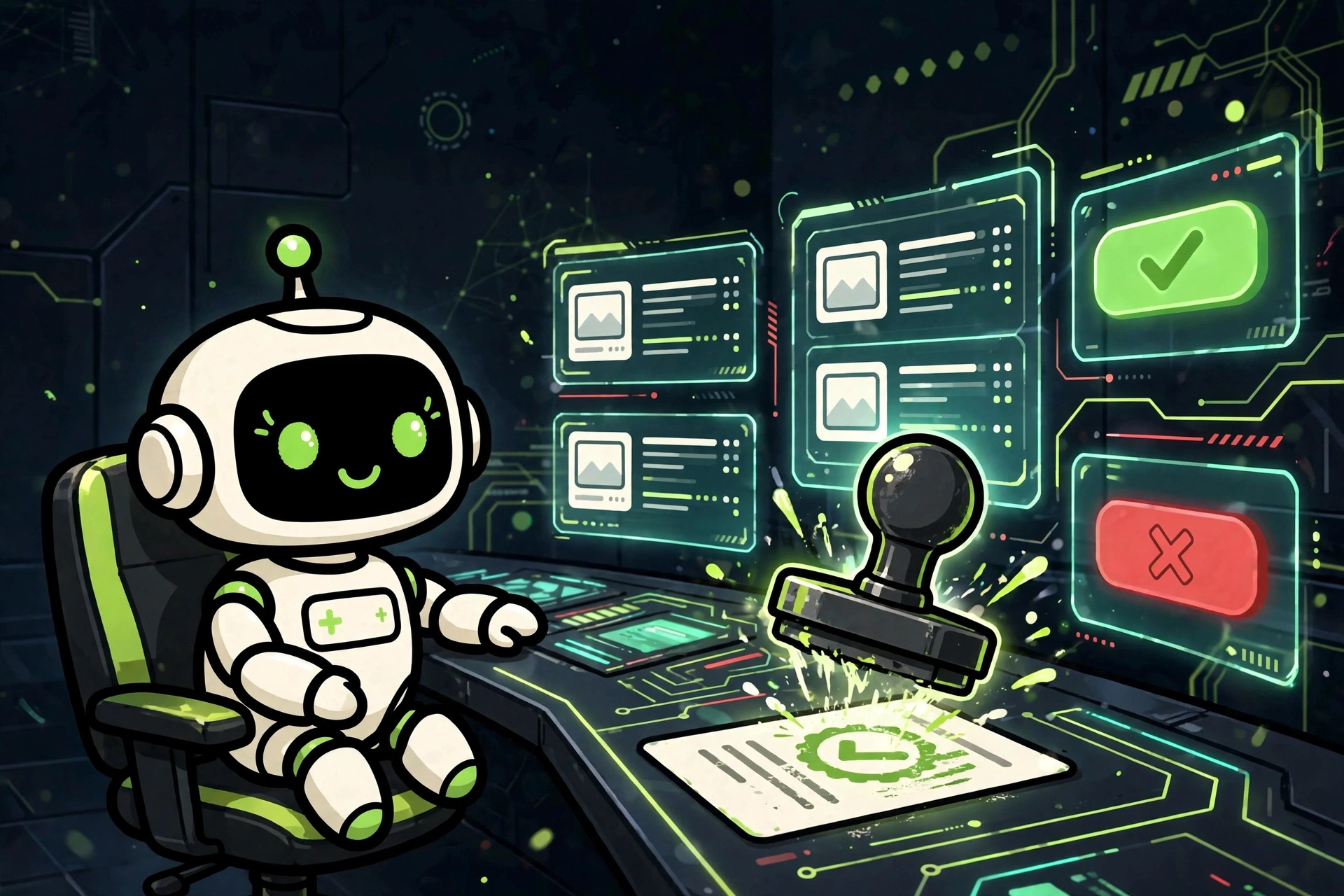
Stop opening your admin panel. Admin Bridge lets your Muse run your site's back office in plain conversation: it shows the moderation queue, approves or rejects submissions, publishes new listings, and keeps an action log — all through a secure token-protected API you add to your site in an afternoon. Sold by the founder of Skill Harbor — this purchase is a transaction with him personally, not with the Skill Harbor platform (which never processes payments).
Version: 1.0.0
You will leave Skill Harbor and complete your purchase on the seller’s site.
Install
Copy the install package below, then paste it into MuseStep 0 — before installing anything: read this install prompt, summarize in a few lines what this build does and what installing it involves, then ask me to confirm before you proceed. Install the Admin Bridge skill on my Muse. First download the skill package, unzip it and give the files to your Muse… 🔒 The full step-by-step install prompt and the skill package download unlock after purchase.
Saved to your recent installs. Find it anytime on /connect.
🔒 Security, provenance and what this touches
The install prompt below already includes the vetting steps: your agent follows the community checklist before installing anything with executable code. Want more?
Questions
How do I install a build?
Every product page includes a copy-paste install prompt. Paste it into your Muse and it sets the build up for you — no manual configuration.
Where does my money go?
Straight to the seller. Skill Harbor never processes payments: checkout happens on the seller’s own page, usually Stripe.
What does the ✓ next to a creator’s name mean?
It means we confirmed the identity of the person behind the listing. It says nothing about the code itself — always check a build before installing it.